

This ATX power supply came in after a power outage. The owner’s description was simple: the PC was running, the power went out, and when it came back the computer was dead. Most people — and most shops — would call that a dead PSU and replace it. On a commodity unit that can be the right business call. But the symptom this supply was showing pointed somewhere much more specific, and that’s what this write-up is about.
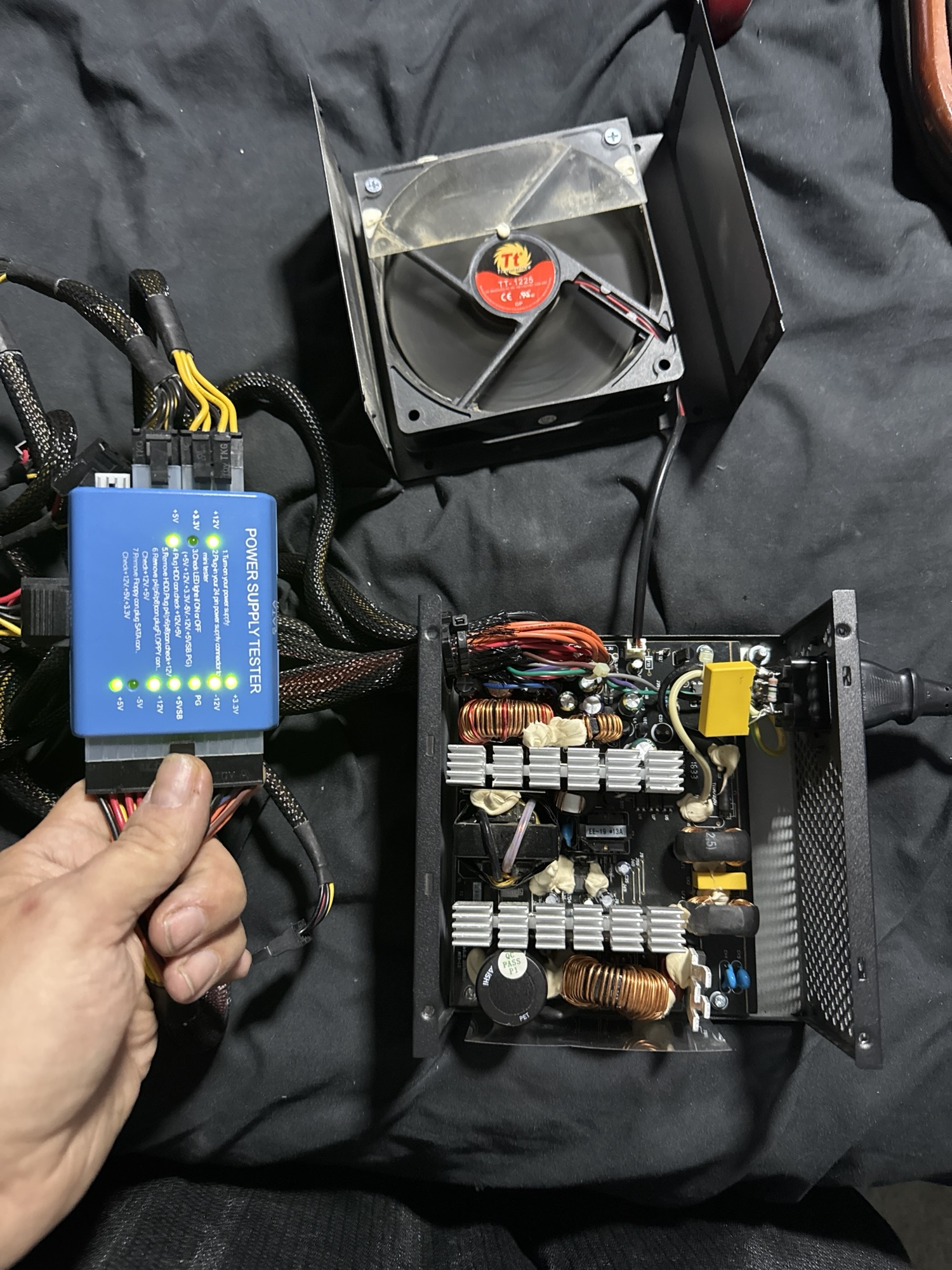
The symptom: nothing on the switch, a brief kick when switched off
With the supply connected and switched on, nothing happened — no fan spin, no attempt to start. The odd part came when the rear switch was flipped back off: the supply would briefly kick on for a moment, then go quiet again.
It’s easy to read that as the supply “trying” to run. It wasn’t. That brief pulse was stored energy in the capacitors discharging through the circuit after input power was removed. With power applied, the supply was being held off — either it couldn’t establish stable regulation, or its protection circuitry was shutting it down almost immediately. When the input went away, the conditions holding it off collapsed for an instant, and the residual charge produced that short burst of activity.
That distinction matters. A supply with a blown fuse, a shorted bridge rectifier, or a failed primary-side switch is usually just dead — no pulsing, nothing. A supply that shows signs of life under odd conditions is telling you the power stage is at least partly intact and something in the control or regulation path is wrong.
Why outages kill power supplies
Power supplies frequently fail on the way back up rather than on the way down. When utility power is restored, there can be a transient — a spike or a sag-and-surge — as the grid and everything on it comes back simultaneously. Every supply in the house sees inrush at the same moment. Components that were already aging get pushed past what they can tolerate, and electrolytic capacitors are often first in line: they’re the parts that wear out over time anyway, and a stressful power event is frequently what finishes off ones that were already marginal.
The diagnosis: two separate capacitor failures
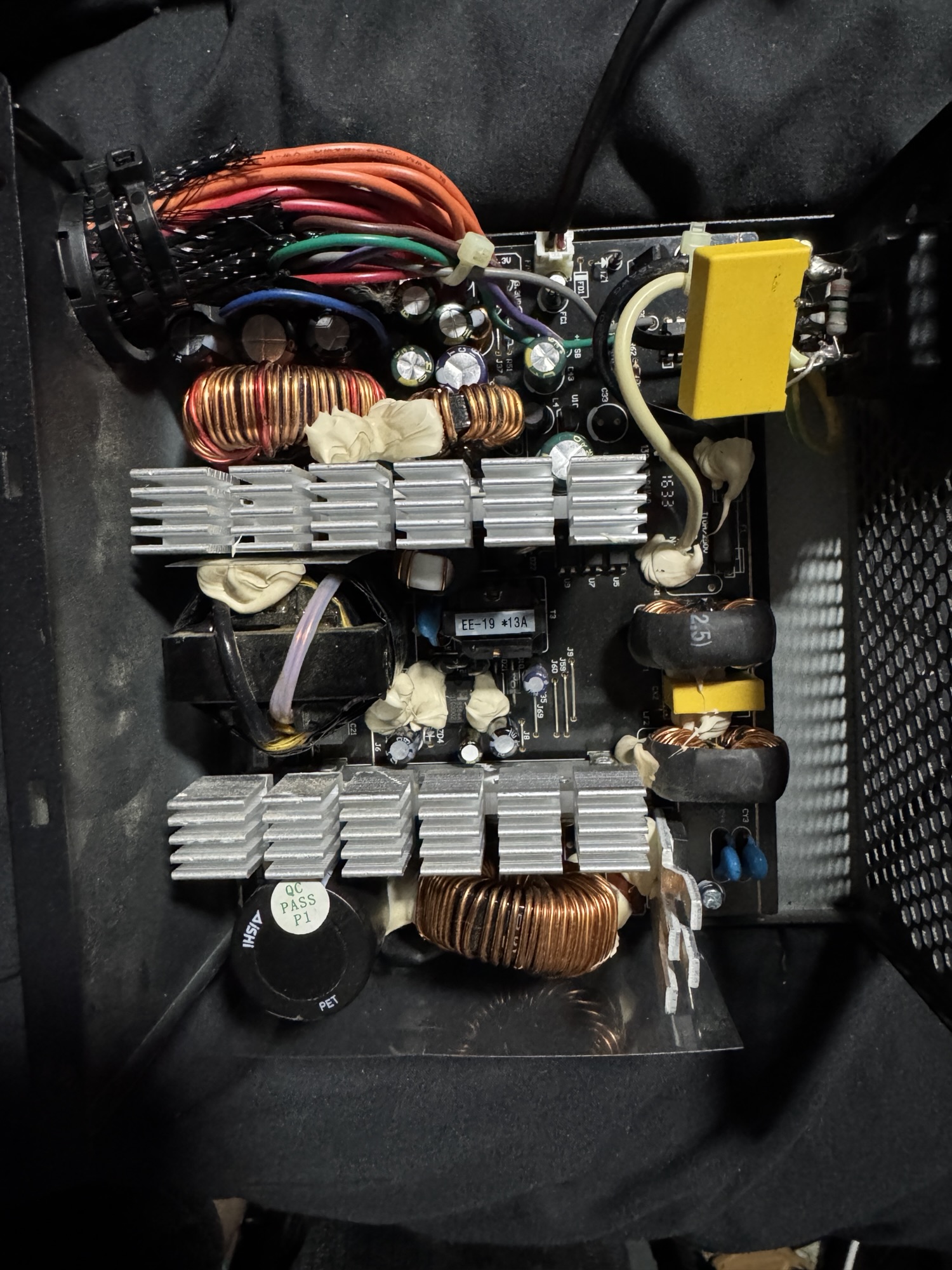
Opening the supply up and working through it at the component level turned up two distinct problems, both caused by failed capacitors.
1. Failed caps in the PWM control section
A switch-mode power supply is run by a PWM controller that drives the switching transistors and adjusts the duty cycle to hold the outputs in regulation. That controller depends on a clean, stable supply and clean reference and feedback signals. Two of the failed capacitors were in that control section. With them degraded, the controller was never getting a clean signal to work with — so it couldn’t drive the power stage properly, no matter what the rest of the supply was doing.
2. Failed caps on the 12V rail
More capacitors had gone bad on the 12V output. Output capacitors are what keep a rail steady between switching cycles and under changing load. When they lose capacitance or develop high ESR, the rail can no longer hold steady. ATX supplies monitor their outputs, and when a rail falls outside its allowed window, the supply’s own under/over-voltage protection shuts it down. So even when the supply did get close to starting, it was protecting itself off — exactly as it’s designed to.
Why a bad capacitor doesn’t always look bad
People expect a failed capacitor to be bulged or leaking, and sometimes it is. But plenty of failed caps look perfectly normal. A capacitor can still read close to its rated capacitance while its ESR (equivalent series resistance) has climbed — and in a switching supply, high ESR is a big deal. A cap that’s supposed to be smoothing a rail or stabilizing a control loop starts behaving more like a resistor. That’s why caps get measured, not judged by appearance: capacitance and ESR both, and suspect parts compared against known-good values.
The repair
The failed capacitors in the control section and on the 12V rail were replaced, and the supply went back into service. No new PSU, no new transformer, no new switching devices — just the components that had actually failed.
A note on safety
The same thing that caused the pulsing symptom — stored charge — is the reason you shouldn’t open a power supply casually. The primary-side bulk capacitor in an ATX supply typically sits somewhere around 300–400 volts DC — fed by an active-PFC boost stage in most modern units, or a voltage doubler in older 115V-switch designs — and it can hold that charge after the supply is unplugged. Bench work on a supply like this means discharging properly, measuring before touching, and powering it up through appropriate protection such as a current-limited source or a dim bulb tester rather than straight off the wall.
Repair or replace?
For a cheap, standard ATX unit, a replacement is often the economical answer, and I’ll say so. Repair makes sense when the supply is high-wattage or high-quality, proprietary to a specific machine, discontinued, or installed in a system that won’t take a generic ATX unit. In those cases a supply that “looks dead” may be one diagnosis and a few capacitors away from running again.
Have a power supply that died after an outage? Circuit Surgeon does component-level power supply diagnosis and repair for customers in Oak Ridge and surrounding areas in East Tennessee, and by mail. Start a repair request or see how to ship your device.